macOS
curl -fsSL https://raw.githubusercontent.com/SaniaAnees/dECODED/main/install.sh | sh
decoded start

START HERE
Two commands per platform. Leave that terminal running — it is the PAYG proxy on 127.0.0.1:8080. Your agent runs in a second window.
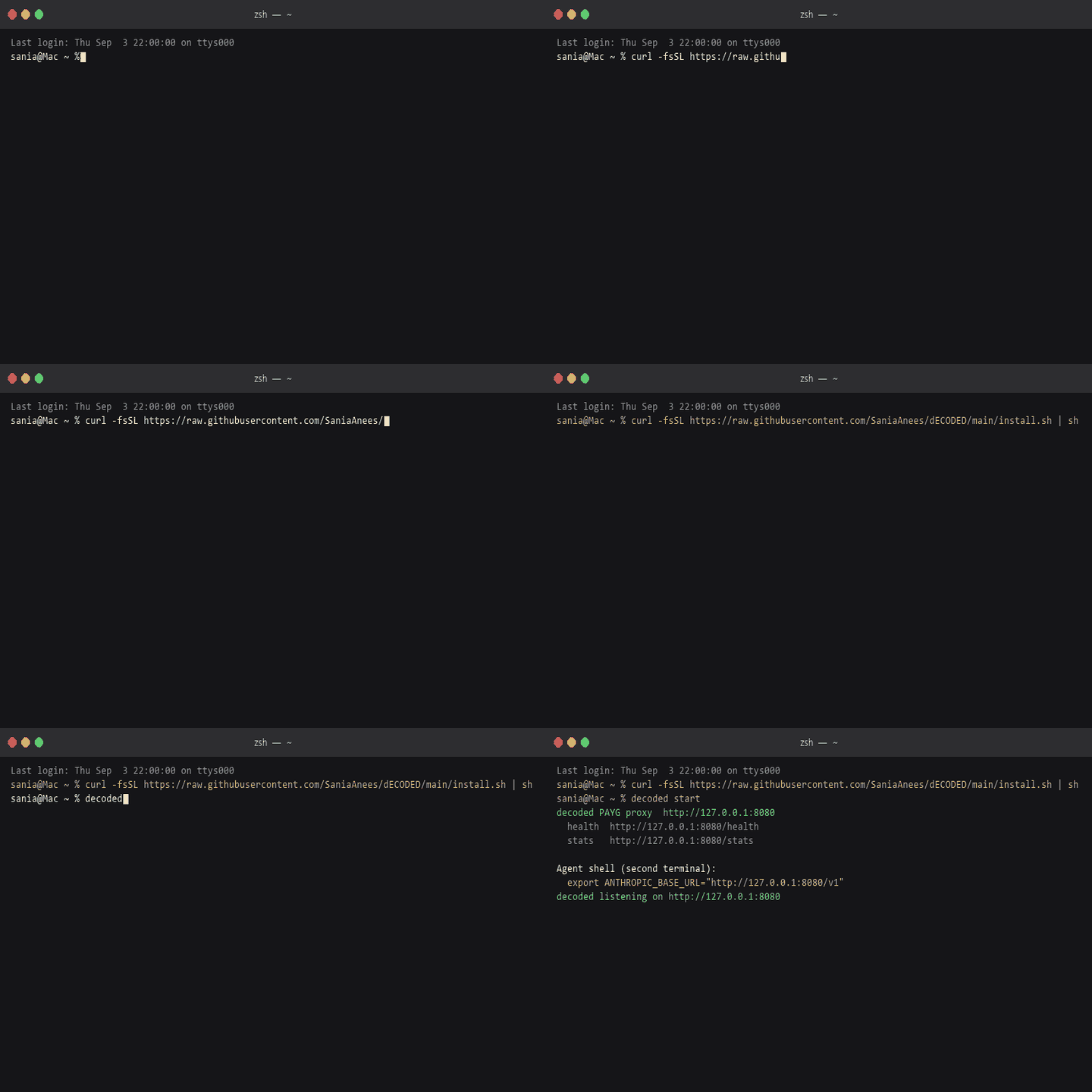
macOS
curl -fsSL https://raw.githubusercontent.com/SaniaAnees/dECODED/main/install.sh | sh
decoded start
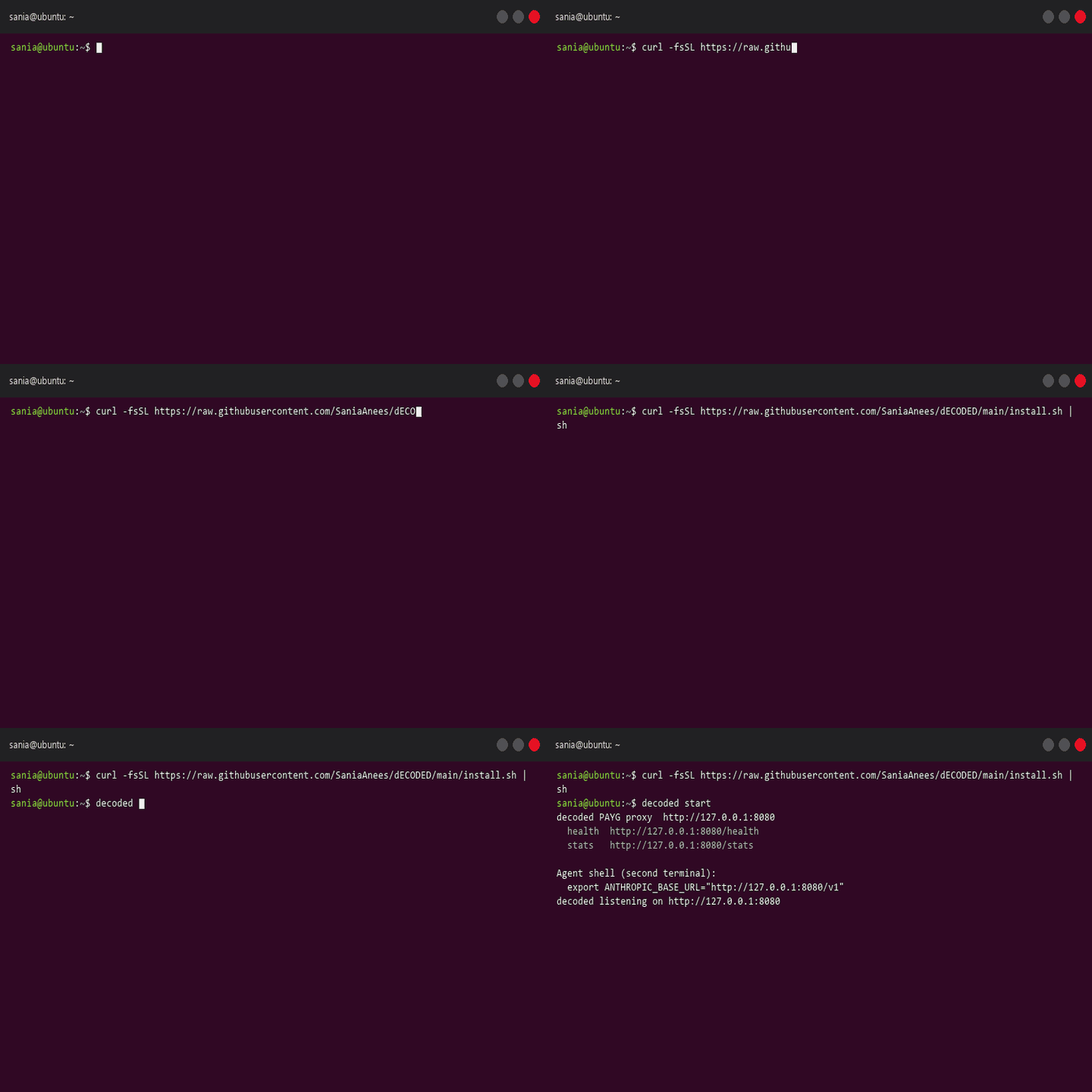
Linux
curl -fsSL https://raw.githubusercontent.com/SaniaAnees/dECODED/main/install.sh | sh decoded start
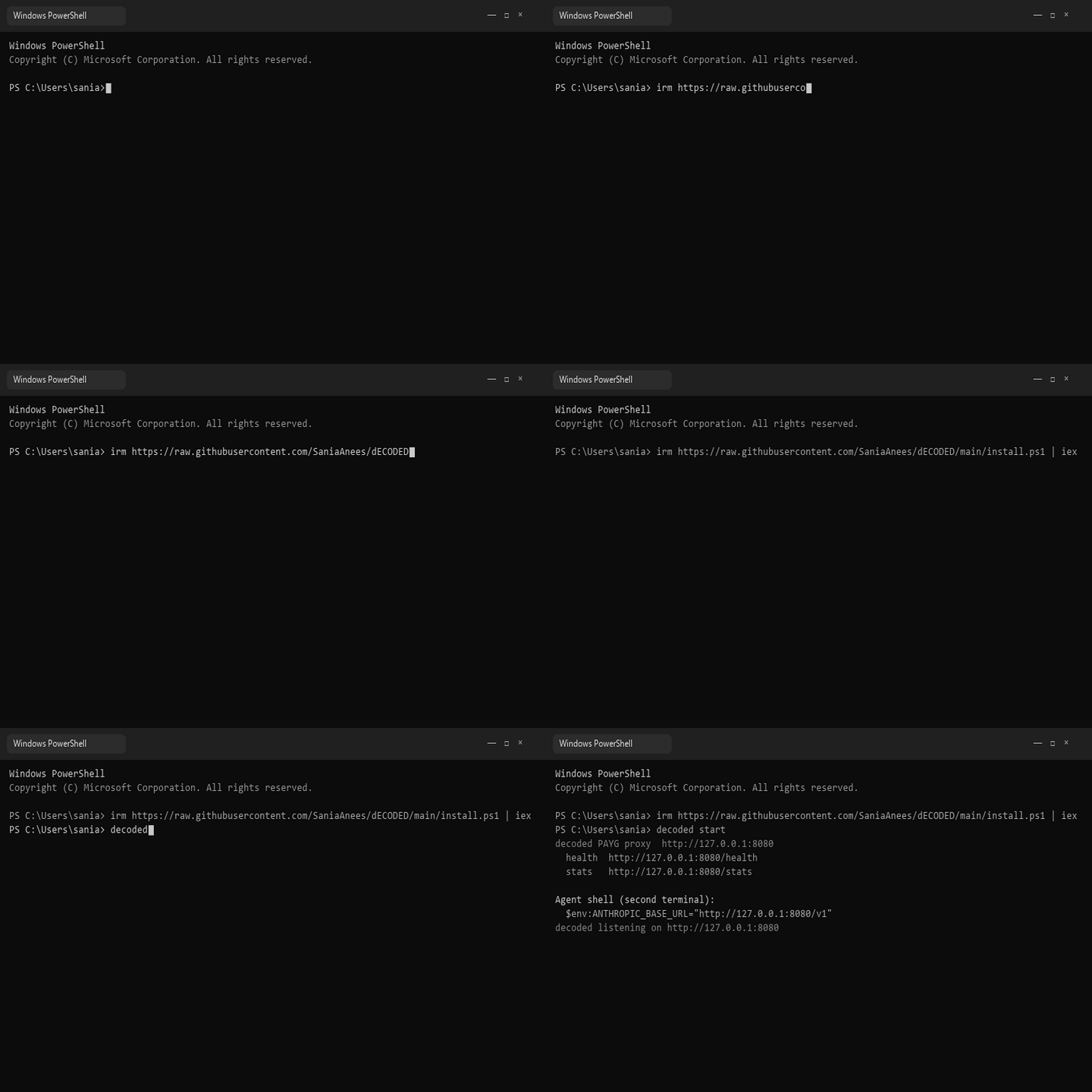
Windows
irm https://raw.githubusercontent.com/SaniaAnees/dECODED/main/install.ps1 | iex
decoded start
SECOND TERMINAL — AGENT SHELL
export ANTHROPIC_BASE_URL="http://127.0.0.1:8080/v1"
export OPENAI_BASE_URL="http://127.0.0.1:8080/v1"
WHAT IT DOES
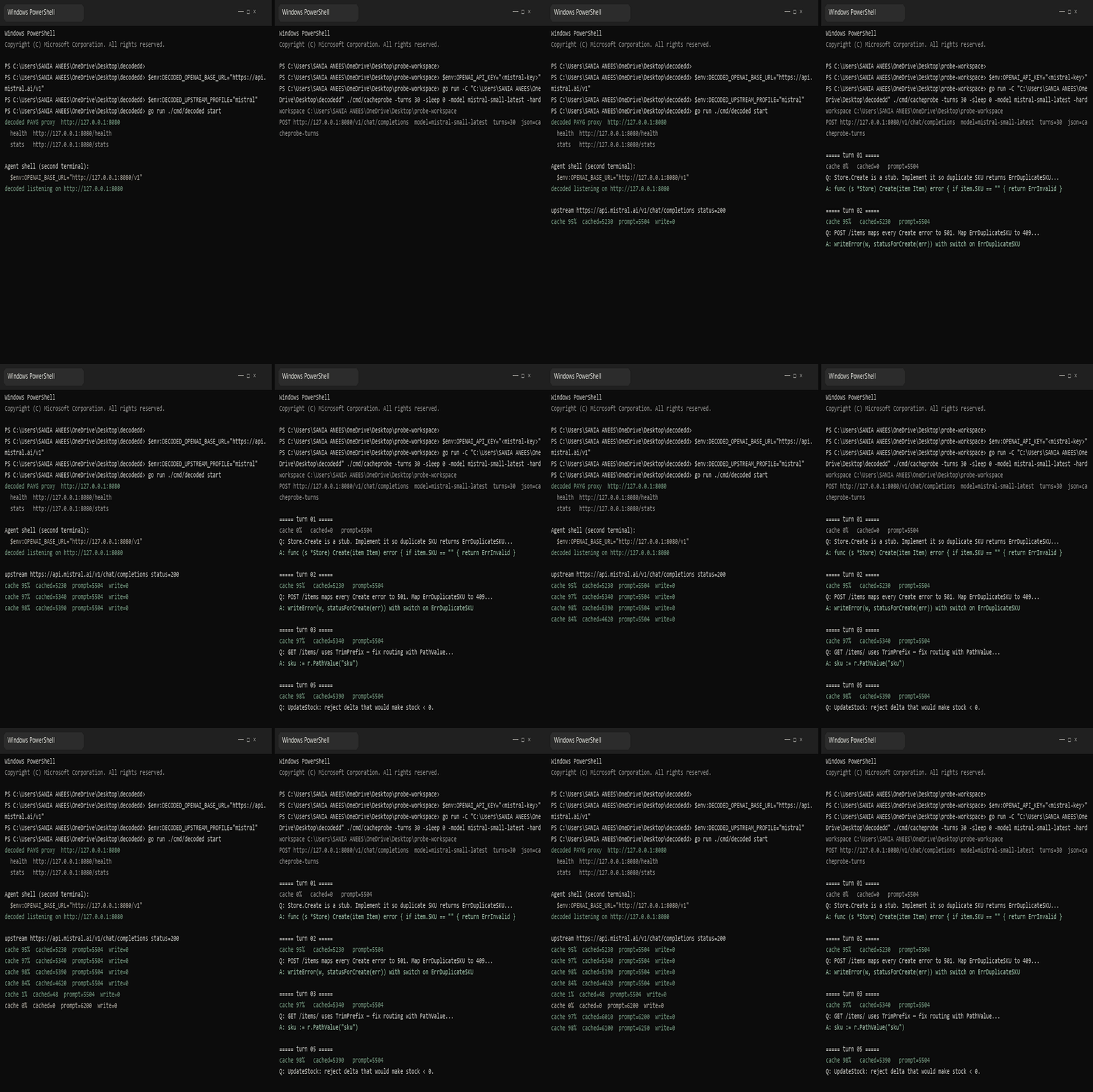
Agents send the same system prompt every turn. Wrayle keeps it stable on localhost so cache can hit. Nothing leaves your machine except the request to your provider.
PROOF OF WORK
Mistral probe through localhost — proxy on the left, turns on the right. Hit rate shows up on curl -s localhost:8080/stats.